How To Contribute
Contribute to plugin’s code
We are very open to accepting plugin improvements via pull requests. Dozens of authors have contributed code to the plugin, and hundreds of pull requests have been resolved.
- Don’t be shy to ask on our Discord channel “hey, would this kind of code change be accepted?”. This might indeed save you some time, especially if Flow Graph is a new thing for you and your team.
- Feel free to open a new pull request, even if you are quite unsure whether a given change would be accepted. It’s often easier to discuss technicalities while the proposed code change can be accessed by the community.
Pull requests
Contribute to documentation
The entire plugin documentation has been moved from the GitHub wiki to GitHub Pages. The most important advantage is that now anybody can contribute to improving documentation via pull requests.
Contributing to docs is quite easy. There are a few things to know.
- Every documentation page is a separate Markdown file: a text file with .md extension. Example: this page is written as HowToContribute.md.
- Markdown is a common markup language used to write wikis and documentation. You will find plenty of guides and cheat sheets for Markdown on the web.
- All pages live in the
FlowGraph/docs folder, organized in a few folders like Overview, Runtime, Debugging, Editing, Guides. You might have already noticed that folder names match the structure of sidebar links.
- If you’d like to add a new page:
- Please remember to add new pages in one of the existing folders. And let’s talk on Discord, if you think we need a new folder (a new page category).
- A link to a new page must be added manually by editing
_data/navigation.yml. It’s one of the files expected by a Jekyll-based site (the thing powering GitHub Pages).
- The only element required in a new page is the “title” section at the top of the Markdown file. Please check how existing files have it defined.
- If you’d like to embed an image:
- Put it in the
docs/img folder, named after the page, i.e. SignalModes-1.png.
- Link it with a relative path, i.e.
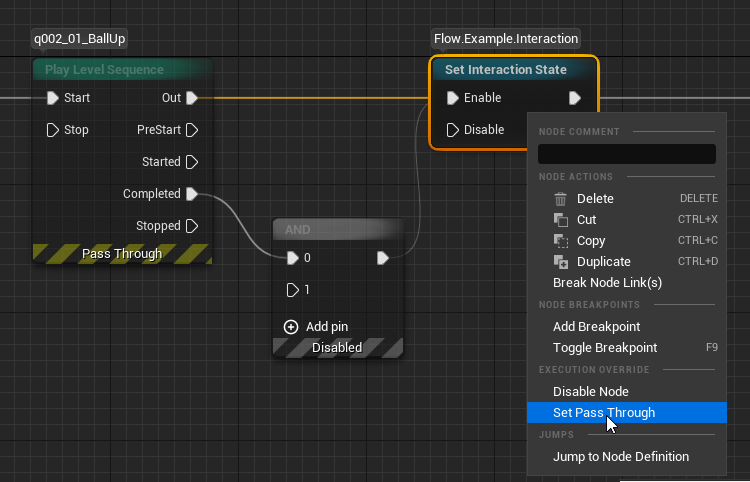.
- Images are stored in the repository, so the documentation can be read offline. Keep them small: crop screenshots to the relevant area.
- To preview the documentation locally, run
bundle exec jekyll serve in the docs folder and open http://127.0.0.1:4000. It requires Ruby with Bundler. Run bundle install once before the first use.